Google Play Store PC
Gives you access to any type of Apk Android App on your Windows PC.

Safe & Secure
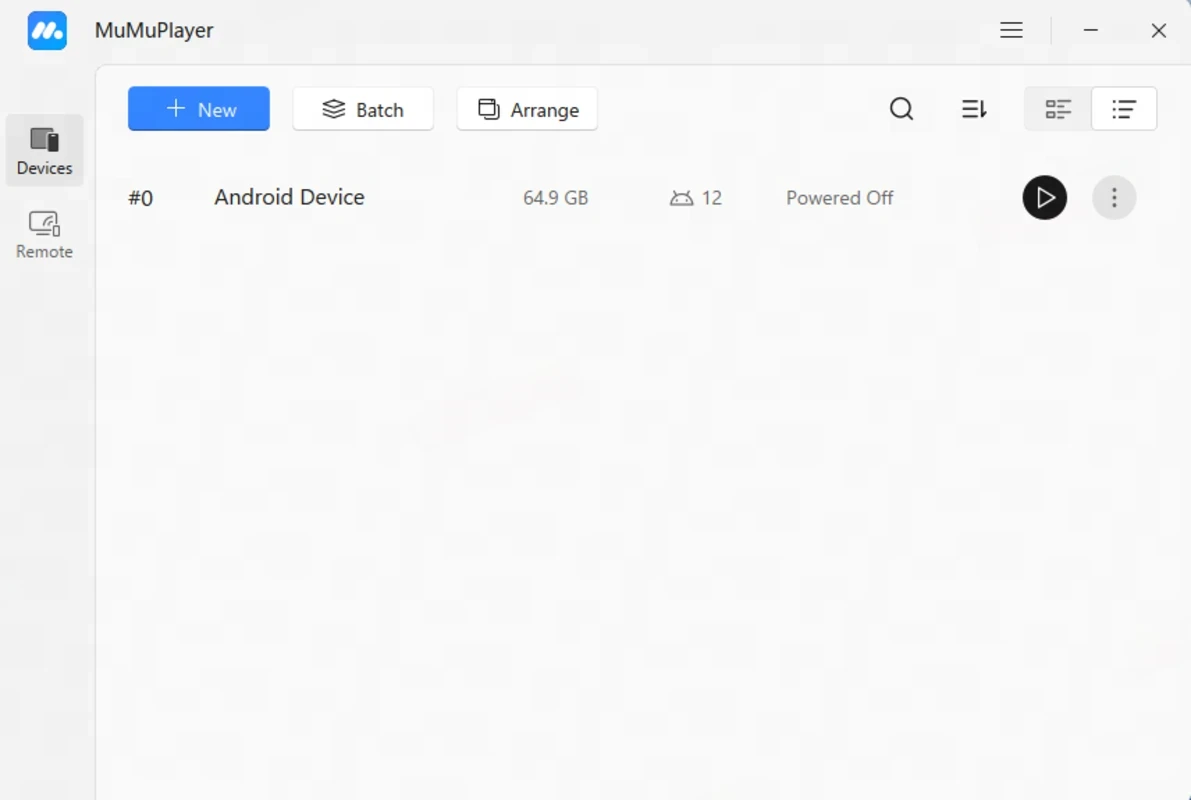
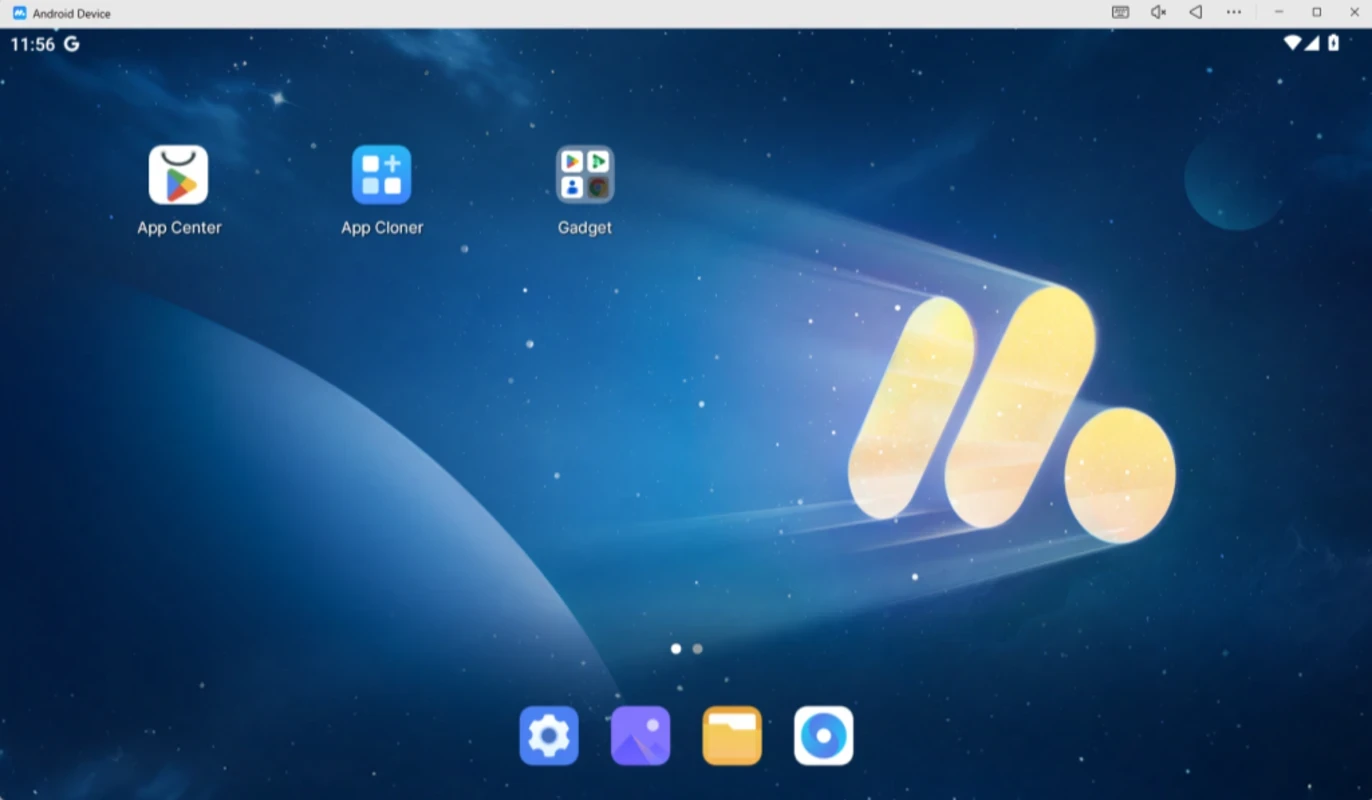
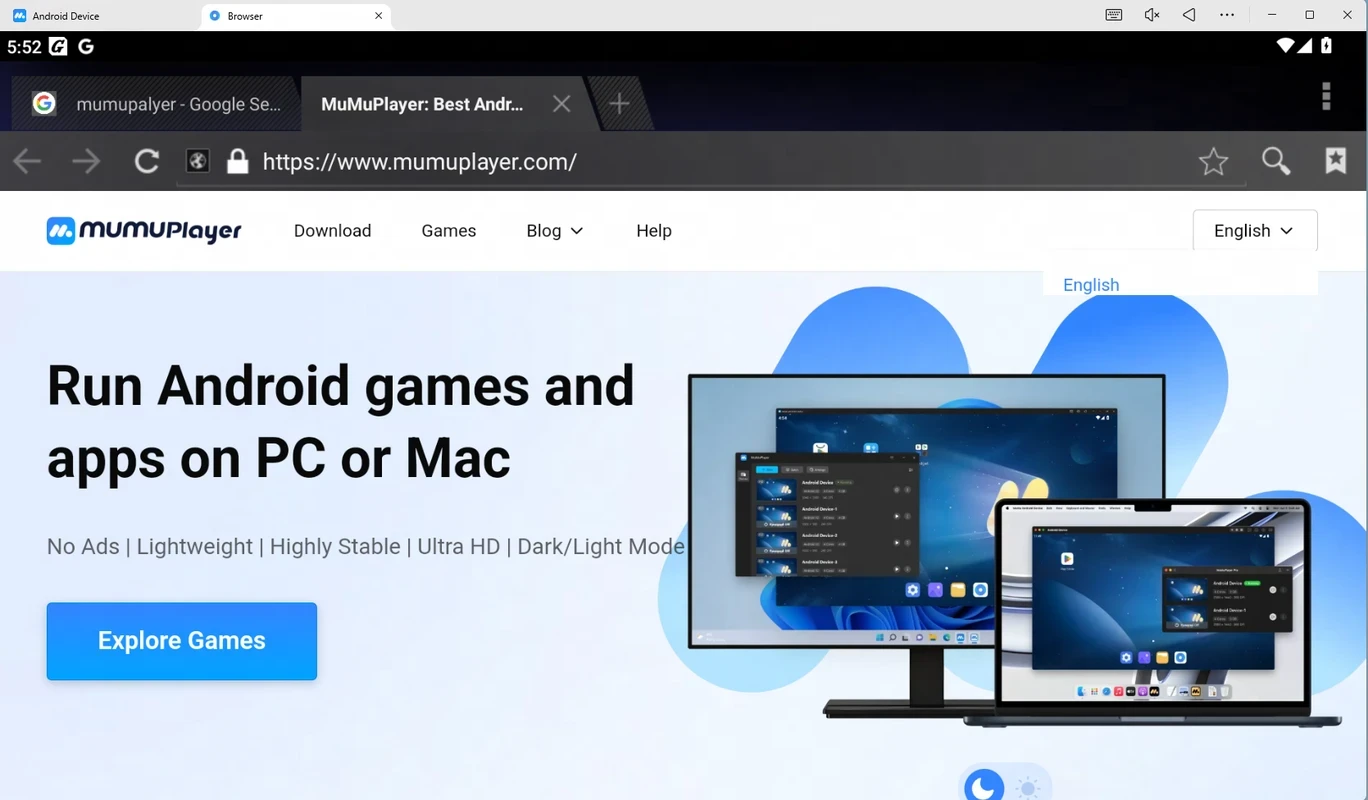
MuMuPlayer is simple yet efficient and helps create a virtual Android device, running your favorite Android apps on your Windows computers. Compared to other such players, the performance is stable with full feature support, and controls are smooth with faster loading capability.
The robust app offers seamless compatibility with several Android devices, synchronizing operations across multiple accounts. The intelligent keyboard and mouse mapping are helpful for accommodating standard peripherals and controllers.
MuMuPlayer, developed by NetEase, falls under the Entertainment category and is freeware software, which was launched in July 2016. It offers a hotkey to minimize as well as maximize the window with one click. It is available in both the free and pro versions.
It maintains the quality of content on the desktop environment, focusing on performance, compatibility, and low resource usage. It supports both; the mainstream mobile titles and a broad app catalog, featuring an ultra-high frame rates, 4K rendering, multi-instance management, and lot of others. The cross-platform utility proves to be the best emulator with smooth and precise control, even on low-end PCs.
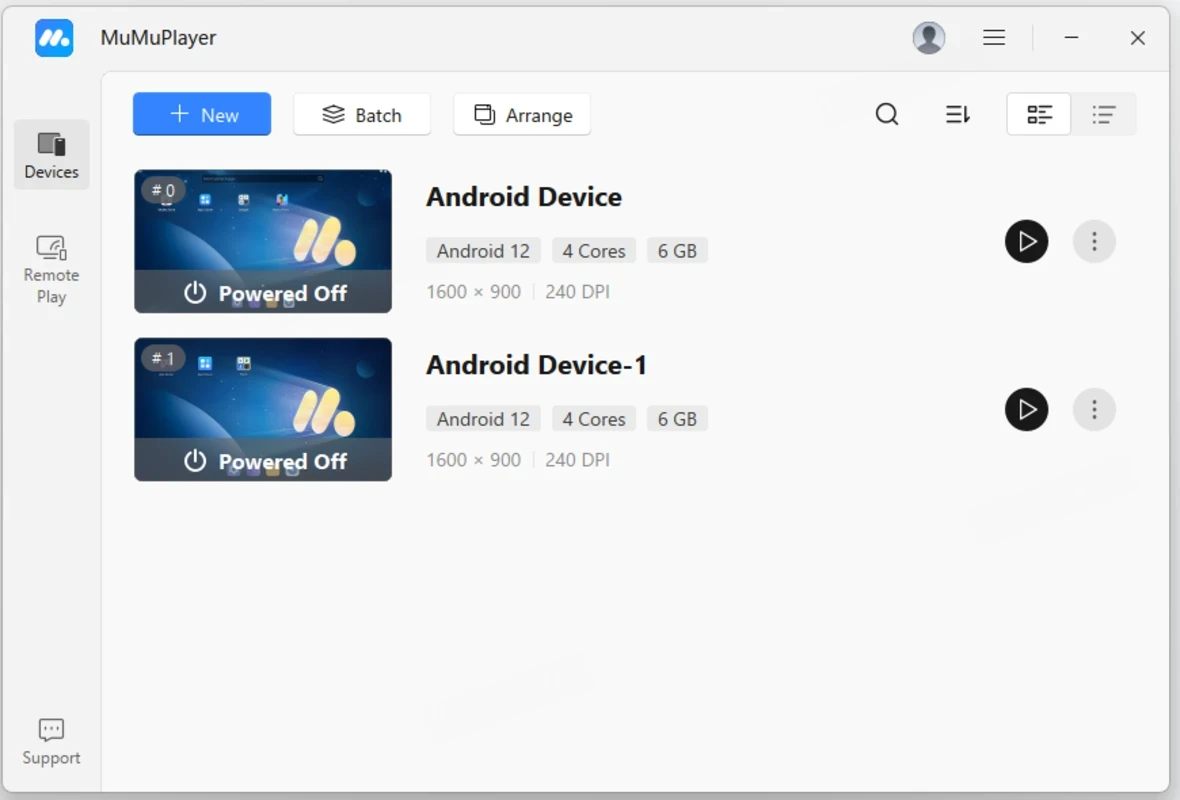
The interface with a lean and modern look works like a storefront and launcher, as it makes everything quickly accessible, including downloads, apps, instance controls, and so on. All the virtual Android devices are listed on the main dashboard, and also possible for you to create, manage, and arrange new Android devices, using the buttons from the top of the screen. However, you will view the simulation details in the center, such as Android version, CPU cores, memory, and quick options as well.
It is one of the core features, allowing users to run multiple applications simultaneously. It enhances productivity and versatility by managing multiple accounts, testing applications, and running various apps side-by-side. Moreover, this seamless synchronization enables the simultaneous execution of identical actions across multiple accounts. In this way, you will find improved efficiency with easy app management, avoiding repetitive manual inputs.
The app has various built-in safety tools to offer an extra layer of protection for the entire setup. So you will capable of adding your desired content and running your favorite apps from Google Play Store on the big screen hassle-free. However, you need to install the app from the official website or any other authentic site, because a verified installer can save you from modified and unsafe versions.
The app offers support for operation recording and playback facility for the ease of users to avoid the repetitive tasks. These capabilities allow users to capture complex action sequences and replay them automatically. The recorded and captured content is reliably shareable with others, such as you can share the moments on social media platforms to show your achievements and memorable highlights.
The high-resolution support allows users to enhance the delivery of animations and visuals for compatible titles, as it offers output options up to 240 FPS and 4K. In addition, it also offers balanced quality and performance, offering ultra HD rendering, adjustable visual settings, and frame-interpolation technologies.
Intelligent keyboard and mouse mapping support makes using Android apps on the big screen reliable and exciting, as these controlled peripherals make your emulation experience more precise and responsive. You will also find mainstream app controllers to flexibly control customization according to your preferences. Moreover, you can customize geographical settings with the help of the virtual location feature. It makes it possible to enjoy location-based services (LBS) applications, offering quick simulated positioning when you need it.
The support of high-FPS and low-latency modes empowers latency-sensitive apps, enabling the host hardware to sustain the load. It makes the extended sessions reliable with support for virtualization and GPU-focused rendering, reducing frame drops and improving stability. The lightweight utility with limited memory deduction proves the best solution for mid-range machines. In addition, you will also capable of installing APK/XAPK, even if they aren’t available within the built-in center.
You do not need to use another confusing sharing apps with limited functionality, as the app makes seamless file transfer possible between a desktop computer and the virtual Android environment. In this way, it makes your importing and exporting of data, media files, documents, and other important content easy, avoiding all types of complications. It also supports a hotkey for your ease to hide/restore the emulator window.
Pros
Cons
Gives you access to any type of Apk Android App on your Windows PC.

PC App Store download, install, and keeps up-to-date your PC programs
free emulator to play Android apps on your pc with extra performance, reliability

Bijoy Bayanno the most powerful software to write Bengali language on PC
Media Creation Tool is upgrading and installing Windows 10 bootable installed disks.
Rufus easily change your USB Flash to a bootable ISO flash drives.